
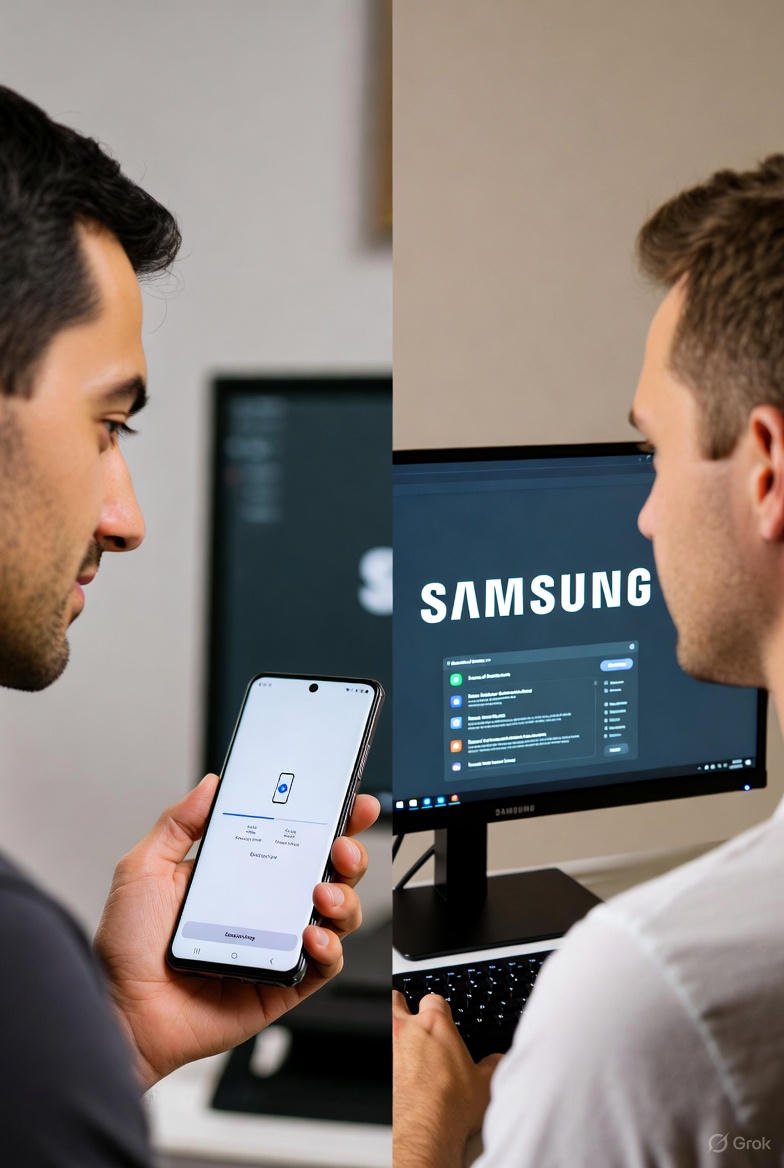
Samsung Google Play Services Updates Explained With Clear Expert Insight
Samsung Google Play Services Updates Explained for Galaxy Users
Samsung Google Play Services updates have recently become a point of confusion for many Galaxy smartphone users. If you’ve checked your device settings and noticed that the Google Play system update hasn’t changed in months, you’re not alone. While Android security patches continue to arrive, Play Services updates appear delayed raising questions about security, performance, and long-term support.
This article explains what’s happening, why Samsung made this decision, and what Galaxy users should realistically expect going forward.
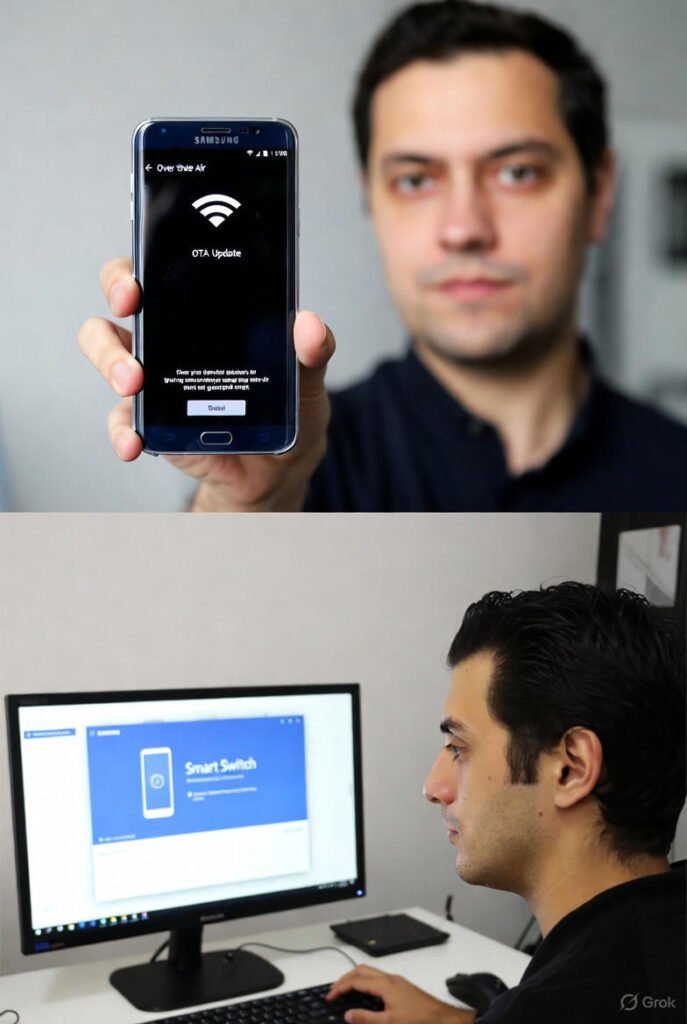
What Are Google Play Services Updates?
Google Play Services updates are an essential but often misunderstood part of the Android ecosystem. Unlike full Android version upgrades, these updates work quietly in the background to improve core system functions such as:
- App compatibility
- Location services
- Security frameworks
- Google APIs used by apps
They are usually released monthly and are separate from Android operating system updates and manufacturer security patches. This modular system allows Google to improve Android features without requiring a full OS update.
Why Samsung Google Play Services Updates Are Currently Paused
Samsung’s Official Position
Samsung has clarified that the pause in Samsung Google Play Services updates is intentional rather than a technical failure. The company explained that when new devices or major One UI updates are introduced, only thoroughly tested and verified software components are distributed to users.
To prevent potential compatibility or stability issues during these rollouts, Samsung temporarily stopped pushing Google Play Services updates to certain Galaxy models.
This approach ensures that Play Services versions align properly with Samsung’s customized software layer, One UI, and the underlying Android version.
What Galaxy Users Are Experiencing Right Now
Many Galaxy users have noticed a mismatch between update dates:
- Android security patches continue to update monthly
- Google Play system updates remain on older versions
For example, a device may show a recent Android security patch while still listing a Google Play system update from several months earlier.
While this discrepancy looks concerning at first glance, Samsung confirms that it does not indicate a security breakdown or device vulnerability.
Does This Affect Device Security?
For most users, the impact is minimal.
Samsung distributes its own Android security patches independently, meaning your phone still receives protection against known vulnerabilities. The pause only affects certain modular components handled through Google Play Services.
Unless you rely on very specific app features that require the latest Google Play frameworks, everyday phone usage remains unaffected.
One UI and Update Validation Explained
Samsung’s update strategy prioritizes stability across a wide range of devices. With multiple Galaxy models running different hardware configurations, the company validates every software component before mass distribution.
During major One UI rollouts, Samsung often slows or temporarily halts secondary updates including Google Play Services until the new system version is confirmed stable.
This process has happened before and typically resolves once the broader update cycle settles.
When Will Samsung Google Play Services Updates Resume?
Samsung has confirmed that Google Play Services updates are expected to resume in January 2026.
Once the rollout restarts, affected Galaxy devices should begin receiving the latest Play Services versions automatically, without requiring manual intervention.
Until then, users can expect:
- Continued Android security updates
- Normal system performance
- No need for troubleshooting or factory resets
Should You Manually Install Updates?
Some users search for ways to force Google Play Services updates, but this is not recommended.
Manually installing system components can cause:
- Compatibility issues
- App crashes
- Software instability
The safest approach is to wait for Samsung’s official rollout to resume.
How to Check Your Google Play Services Update Status
To find out which version your device is currently running:
- Open Settings
- Go to Security & Privacy
- Tap Updates
- Select Google Play system update
If the date appears outdated, it simply reflects Samsung’s current update schedule.
Helpful Resources
- Google Play Services Overview – Android
- Check Google Play Services Version – Google Support
- Guide to Google Play Services Updates – Android Authority
- Samsung Apps & Services
Conclusion
The delay in Samsung Google Play Services updates may look alarming, but it’s part of a controlled update strategy rather than a technical issue. Samsung continues to deliver Android security patches while temporarily pausing Play Services updates to ensure compatibility during major software rollouts. With updates expected to resume soon, Galaxy users can remain confident that their devices are secure and supported.


One Comment