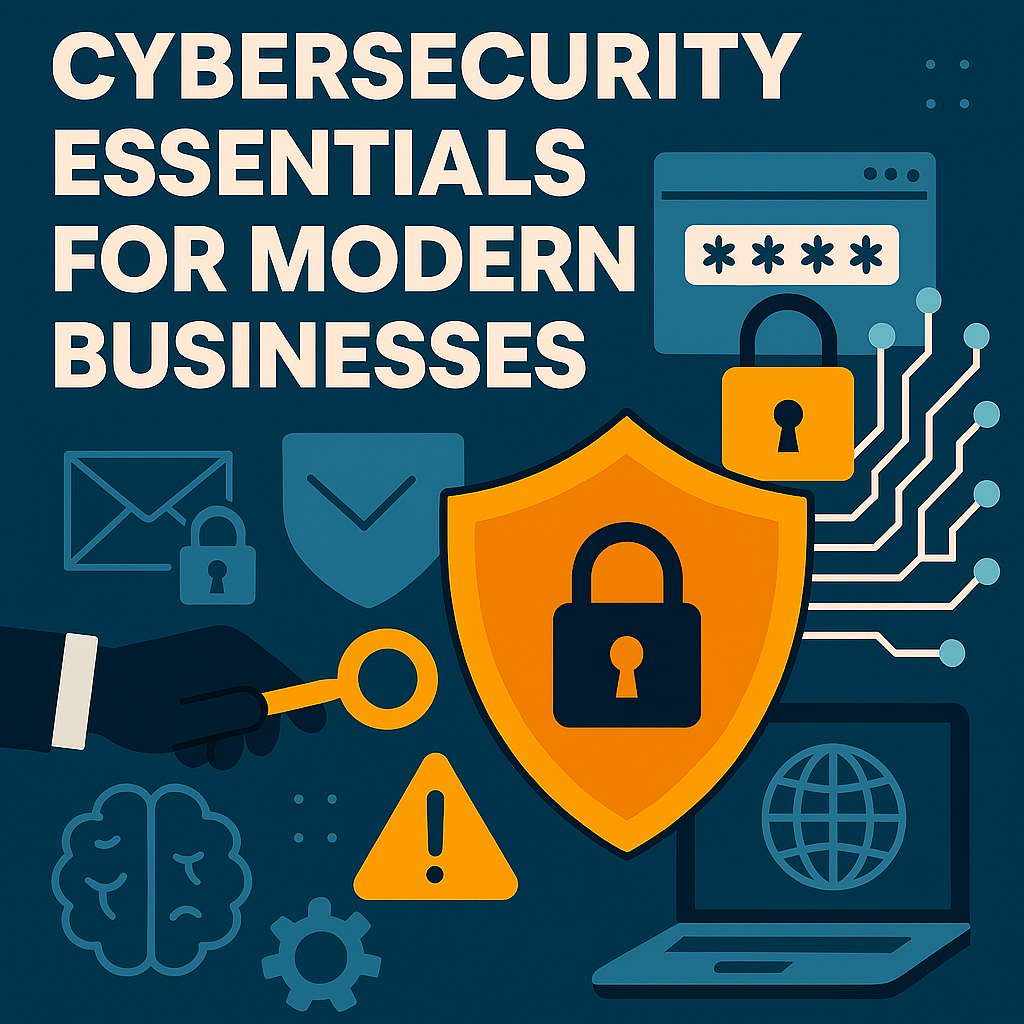
Cybersecurity Essentials for Modern Businesses: Protect Your Digital Assets
Cybersecurity Essentials for Modern Businesses: Protect Your Digital Assets
In today’s interconnected world, businesses of all sizes face a growing number of cybersecurity threats. With the rapid shift to digital platforms, protecting your company’s data, systems, and networks has never been more critical. Cyberattacks, data breaches, and security vulnerabilities can not only disrupt operations but can also result in severe financial and reputational damage. Understanding and implementing cybersecurity essentials is crucial for modern businesses to mitigate risks and ensure long-term success.
This blog post will walk you through the cybersecurity essentials that every modern business should prioritize to safeguard their digital assets and prevent cyber threats.
What Are Cybersecurity Essentials?
Cybersecurity essentials refer to the foundational practices, tools, and strategies that businesses must implement to protect their digital assets from cyber threats. These measures are designed to safeguard sensitive information, prevent unauthorized access, and ensure the continuity of business operations in the event of an attack.
From firewalls to employee training, cybersecurity involves a multi-layered approach. Let’s explore the most critical cybersecurity essentials for modern businesses.
1. Implement Strong Password Policies and Authentication Methods
One of the most basic but essential cybersecurity essentials is ensuring that all employees use strong, unique passwords. Weak passwords are one of the easiest entry points for cybercriminals to gain unauthorized access to systems and networks.
Businesses should:
- Require complex passwords: Passwords should be long (at least 12 characters) and include a mix of uppercase and lowercase letters, numbers, and special characters.
- Implement Multi-Factor Authentication (MFA): MFA adds an extra layer of security by requiring users to provide additional verification, such as a code sent to their phone or an authentication app, in addition to their password.
- Enforce password changes: Require employees to update their passwords regularly (every 60-90 days) to minimize the risk of old passwords being compromised.
2. Use Firewalls and Antivirus Software
Every business, regardless of size, should have robust firewalls and antivirus software in place to protect its network from malicious attacks. Firewalls act as a barrier between your internal network and external threats, blocking unauthorized access while allowing legitimate traffic. Antivirus software helps detect and prevent malware from infecting your devices, ensuring that your systems remain secure.
Key steps to implement:
- Configure firewalls to block potentially harmful traffic, including unauthorized access attempts and suspicious connections.
- Install antivirus software on all company devices, including desktops, laptops, and mobile devices.
- Keep software up to date: Regularly update your antivirus and firewall systems to ensure they can detect the latest threats.
3. Educate Employees on Cybersecurity Best Practices
Human error is one of the leading causes of data breaches and security incidents. Ensuring that employees are educated on cybersecurity essentials is crucial for preventing cyberattacks. Conduct regular training sessions to teach employees how to recognize phishing emails, avoid clicking on suspicious links, and maintain proper security hygiene.
Key topics to cover in cybersecurity training:
- Phishing scams: Teach employees how to recognize fake emails or messages that appear legitimate but are designed to steal sensitive information.
- Social engineering: Employees should be cautious when sharing information and always verify the identity of individuals who request sensitive data.
- Secure data handling: Emphasize the importance of securing data, both digitally and physically, and encourage best practices for data storage and sharing.
4. Regularly Back Up Critical Data
Data loss can occur for many reasons, including cyberattacks, hardware failure, or human error. Backing up critical data ensures that your business can quickly recover in the event of an attack or system malfunction.
Best practices for data backup:
- Automate backups: Set up regular, automated backups of essential files and databases to ensure that no critical data is missed.
- Store backups securely: Keep backups in multiple locations, including on-premises and in the cloud, to safeguard against physical damage or localized attacks.
- Test backups: Regularly test backup systems to ensure that the data can be restored quickly and accurately when needed.
5. Encrypt Sensitive Data
Encryption is one of the most effective ways to protect sensitive data from unauthorized access. Whether it’s customer information, financial records, or internal business documents, data encryption ensures that only authorized parties can view or modify this information.
Key encryption strategies:
- Encrypt data at rest: Ensure that sensitive data stored on servers, devices, or cloud storage is encrypted to prevent unauthorized access.
- Encrypt data in transit: Use encryption protocols (like HTTPS or VPNs) to protect data while it’s being transmitted over the internet or across networks.
- Use strong encryption standards: Implement modern encryption algorithms that provide the highest level of security.
6. Update Software and Patch Vulnerabilities
Outdated software is a prime target for cybercriminals. When vulnerabilities are discovered, software vendors typically release patches to fix the issue. It’s essential for businesses to update their software and install patches regularly to protect against known vulnerabilities.
How to stay updated:
- Enable automatic updates: Where possible, enable automatic software updates to ensure that your systems remain current with the latest security fixes.
- Regularly check for patches: For systems that don’t support automatic updates, set reminders to manually check for and install the latest patches.
- Use vulnerability management tools: Implement tools that can automatically scan your systems for known vulnerabilities and ensure they are addressed promptly.
7. Develop an Incident Response Plan
No matter how many precautions you take, there’s always a chance that a cybersecurity incident could occur. Having a well-documented incident response plan ensures that your business can respond quickly and effectively to a cyberattack, minimizing damage and restoring normal operations.
Key elements of an incident response plan:
- Establish clear roles and responsibilities: Designate a response team and outline their responsibilities in the event of a breach.
- Create communication protocols: Ensure that there are clear procedures for notifying employees, customers, and stakeholders if a breach occurs.
- Document the response process: Keep detailed records of the steps taken during the response process to improve future responses and comply with legal requirements.
Helpful Resources
- Cybersecurity Essentials for Small Businesses
- National Cyber Security Centre: Small Business Cyber Security
Conclusion
In the digital age, cybersecurity essentials are not just a nice-to-have they are critical for protecting your business from the increasing number of cyber threats. By implementing strong password policies, using firewalls and antivirus software, educating employees, backing up data, encrypting sensitive information, and staying updated with software patches, businesses can significantly reduce the risk of cyberattacks.
Building a strong cybersecurity foundation is an ongoing effort, but by prioritizing these essential practices, you’ll be well-equipped to safeguard your company’s digital assets and ensure that your operations run smoothly in an increasingly digital world.
What to Read Next