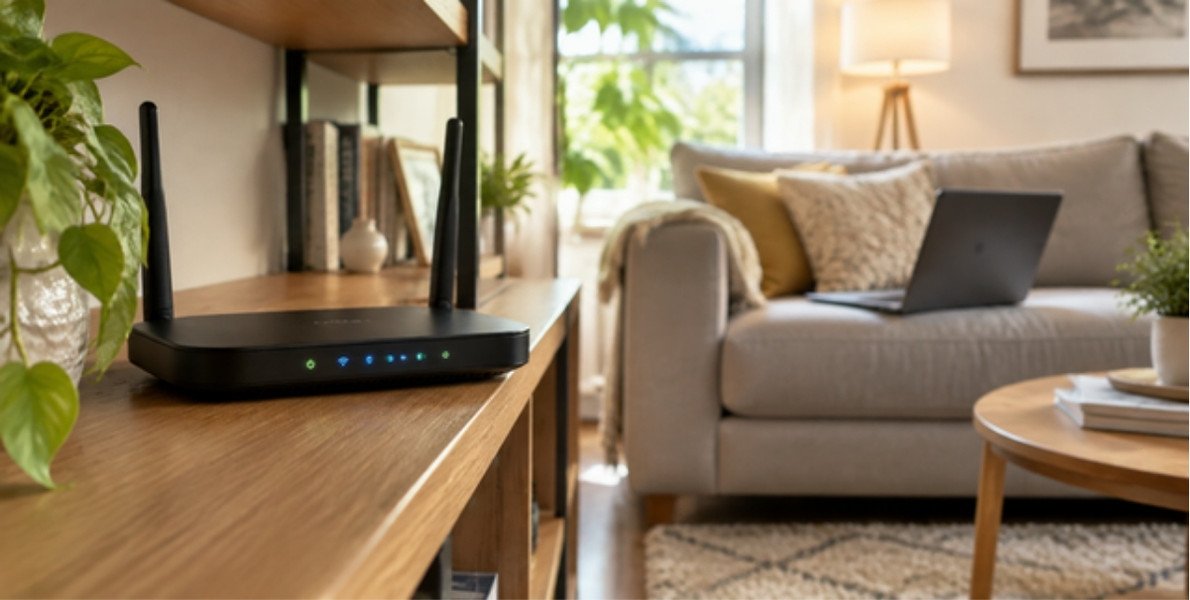
Slow Wi-Fi? 9 Easy Fixes That Work Best
Slow Wi-Fi is one of the most common home tech frustrations, and the cause is not always your internet plan. Often the problem is the router’s position, a crowded wireless channel, too many devices or something simple that a restart can fix. This guide walks through the fixes that most often work, starting with the quickest, so you can solve slow Wi-Fi without calling anyone.
Table of Contents
First, Check Whether Wi-Fi or the Internet Is the Problem
Run a speed test on a device connected to the router with an Ethernet cable, then run it again over Wi-Fi in the room where you have trouble. If the wired result is slow too, the issue is with your internet service or modem, and you should contact your provider. If wired is fast and wireless is slow, the problem is with the Wi-Fi itself, and the steps below will help. Our explainer on online service outages can help you tell a wider outage from a local fault.
Quick Fixes for Slow Wi-Fi
Restart the router and modem
Switch both off, wait about thirty seconds, then switch them on again. This clears temporary faults and is worth trying first.
Move the router to a better spot
Place the router in a central, open, raised position. Walls, cupboards, mirrors, fish tanks and metal objects weaken the signal, and so can microwave ovens and cordless phones nearby.
Use the 5 GHz band when you are close
Most modern routers offer 2.4 GHz and 5 GHz. The 5 GHz band is faster over short distances and less crowded, while 2.4 GHz travels farther through walls but is slower and more affected by interference.
Disconnect devices you are not using
Every connected device shares the same bandwidth. Streaming, game downloads and cloud backups can slow everything else, so pause large transfers when you need speed.
Deeper Fixes for Slow Wi-Fi
- Change the Wi-Fi channel in the router settings if neighbors’ networks overlap with yours.
- Update the router firmware, since updates can improve speed and security.
- Replace an old router, because older models may not support current standards and can limit speed even on a fast plan.
- Add a mesh system or access point if your home is large or has thick walls, instead of relying on a cheap range extender.
- Use a wired connection for fixed devices such as a desktop computer, TV or games console.
When It Is Time to Upgrade
If your router is several years old, upgrading can make a noticeable difference, particularly in homes with many devices. Our guide to the Wi-Fi 7 router explains what newer standards offer and whether they are worth buying today. Check that your internet plan can actually use the extra speed before you spend money.
Security and Slow Wi-Fi
An unknown device on your network can use bandwidth and may be a security risk. Use a strong Wi-Fi password, choose modern encryption in the router settings, and change the default router login. For wider protection, read our cybersecurity essentials guide. You can also find consumer broadband advice from the Federal Communications Commission.
Understanding Wi-Fi Speed: Bandwidth, Latency and Signal
Three ideas explain most Wi-Fi complaints. Bandwidth is how much data can flow at once and is what your internet plan sells. Latency is the delay before data starts to move, which matters for video calls and online games. Signal strength is how well your device can hear the router. A fast plan will not help if the signal is weak, and a strong signal will not help if the plan is slow. Separating these three makes slow Wi-Fi much easier to diagnose.
Room-by-Room Tips for a Weak Signal
- Living room: keep the router out in the open, not behind a television or inside a cabinet.
- Bedroom: if the signal is weak, a mesh node placed halfway between the router and the bedroom usually works better than a distant extender.
- Home office: use an Ethernet cable for your computer whenever you can, because wired connections are faster and more stable.
- Kitchen: appliances and metal surfaces can interfere, so avoid placing the router next to them.
- Garden or garage: an outdoor-rated access point or a powerline adapter may be easier than boosting the main router.
Signs That Interference Causes Slow Wi-Fi
Interference happens when other signals share the same radio space. Typical causes include neighbors’ networks on the same channel, microwave ovens, baby monitors, cordless phones and Bluetooth devices. If slow Wi-Fi gets worse at the same time each day or when a certain appliance is running, interference is a likely suspect. Switching to the 5 GHz band, changing channels or moving the router often helps. The Wi-Fi Alliance publishes general information about Wi-Fi standards and features.
A Quick Checklist for Slow Wi-Fi
- Test the speed by cable and by Wi-Fi.
- Restart the modem and router.
- Move closer to the router and test again.
- Pause large downloads and streams.
- Change the band or channel.
- Update the router firmware.
- Check whether an unknown device is connected.
- Contact your provider if the wired speed is also low.
Following the list in order usually finds the cause in a few minutes. It also keeps you from paying for a faster plan when the real problem is the position of the router.
When to Call Your Internet Provider
If the wired speed is far below what you pay for, if the modem shows fault lights, or if the connection drops at the same times every week, the problem may be on the provider’s side. Ask them to check the line, test the modem and look for known faults in your area. Keep notes of your speed tests, with the date and time, so that you can describe the problem clearly. Providers can often replace an old modem or fix a damaged cable quickly once they have this information.
Slow Wi-Fi FAQ
Why is my Wi-Fi slow only at certain times of day?
Evening is peak time when many households stream and download, and shared networks can slow down. Your own devices and neighbors’ networks can also add congestion.
Do Wi-Fi extenders really help?
They can extend coverage but may reduce speed on the extended connection. A mesh system or a wired access point usually works better.
How do I know if my router is too old?
If it does not support current standards, struggles with several devices or has not received updates for years, it is probably time to replace it.