Windows 11 KB5074109 Update Explained Essential Guide for Users
The Windows 11 KB5074109 update, released in January 2026, has drawn significant attention due to its impact on some modems and certain system configurations. While the update was designed to improve security and system stability, users across multiple builds of Windows 11 have reported issues, sparking questions about compatibility and workarounds. This guide breaks down everything users need to know about Windows 11 KB5074109, including why it affects older modems, what problems have emerged, and how to address them safely.
What Is the Windows 11 KB5074109 Update?
Windows 11 KB5074109 is part of Microsoft’s regular Patch Tuesday release, focusing on security improvements and system reliability. The update includes patches for multiple vulnerabilities, performance enhancements, and changes to device drivers. However, unlike typical updates, KB5074109 also removed certain legacy modem drivers, which has caused some devices to stop functioning properly.
This update affects multiple versions of Windows 11, including 24H2 and 25H2 builds, and targets both consumer and business systems. Microsoft has clarified that the removal of older drivers is intentional for security purposes, rather than a bug.
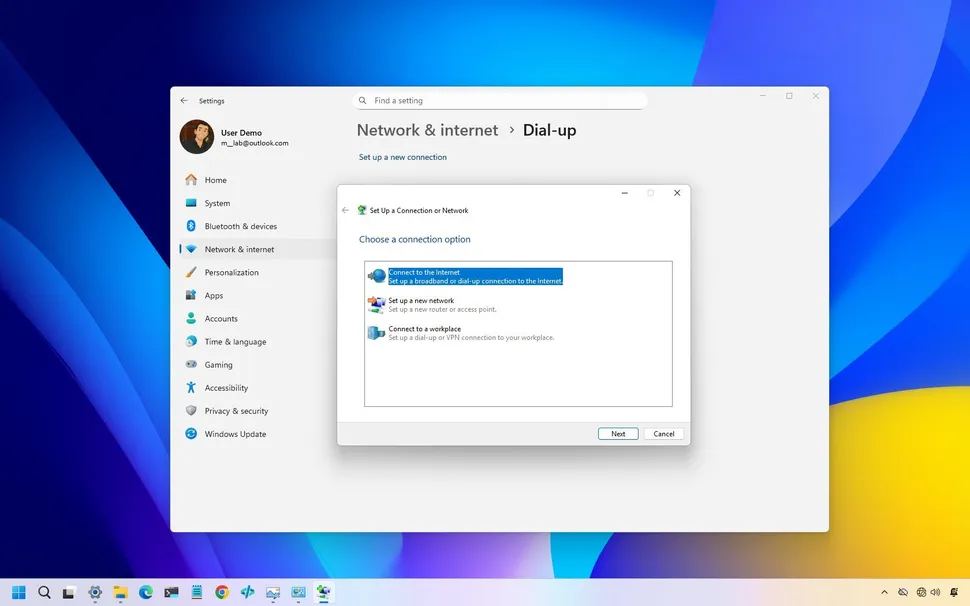
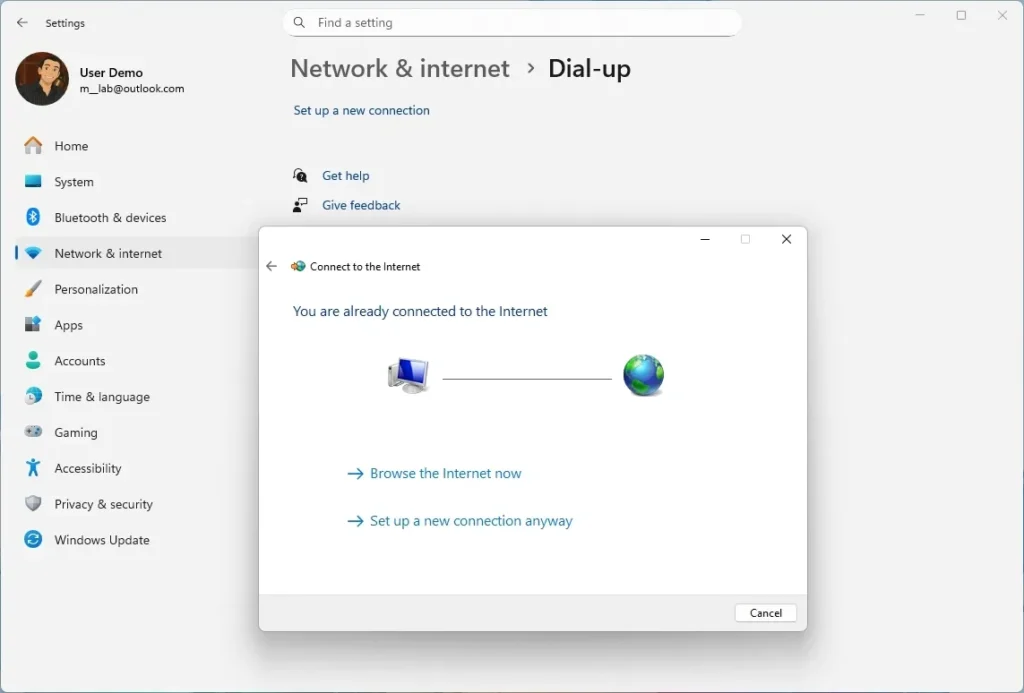
Legacy Modem Removal: What You Need to Know
One of the most notable aspects of Windows 11 KB5074109 is the removal of legacy modem drivers, including:
- agrsm64.sys
- agrsm.sys
- smserl64.sys
- smserial.sys
These drivers, which supported older modems, were removed because they can introduce security vulnerabilities. Devices relying on these drivers may no longer function after installing the update.
While this change is planned and documented in technical release notes, many users only discovered it after applying the update. Home users with older hardware or specialized setups have reported disrupted connectivity as a result.
Other Reported Issues with Windows 11 KB5074109
Boot Problems and Startup Failures
In addition to modem issues, some Windows 11 users have reported serious boot problems after installing KB5074109. Common symptoms include:
- Black screen with “UNMOUNTABLE_BOOT_VOLUME” errors
- Systems failing to start normally
- Devices becoming unresponsive during boot
These issues primarily affect the 24H2 and 25H2 builds, though Microsoft indicates only a small number of systems experience these errors.
Application Errors and System Instability
Some users have also encountered application crashes and performance issues following the update. Problems include:
- Applications freezing or closing unexpectedly
- Difficulty saving files
- Remote desktop connection failures
Microsoft has acknowledged these issues and is working on out-of-band patches to address critical errors.
Why Modems Were Affected
The removal of legacy modem drivers in Windows 11 KB5074109 is a deliberate move to improve system security. Older modem drivers operate with high system privileges and historically contained vulnerabilities that could be exploited by malware or remote attacks. By removing these drivers, Microsoft reduces the overall attack surface of Windows 11 systems.
Although this enhances security, it can disrupt older hardware setups, particularly in environments that still rely on legacy modems for internet connectivity.
Steps to Address Windows 11 KB5074109 Issues
Temporary Workarounds
Users experiencing modem or boot issues may consider the following steps:
- Uninstall KB5074109 – This can restore functionality for affected hardware temporarily.
- Pause Windows Update – Prevent the update from reinstalling automatically until fixes are released.
- System Restore – If a restore point exists prior to installing KB5074109, reverting to that point can resolve issues.
- Monitor Microsoft Fixes – Microsoft is actively releasing follow-up patches to address compatibility and performance problems.
It’s important to note that uninstalling a security update exposes systems to vulnerabilities, so users should proceed with caution and maintain current backups.
Long-Term Solutions
- Upgrade hardware if using devices dependent on removed drivers
- Ensure Windows 11 is updated with future cumulative patches
- Use supported drivers for connectivity and peripherals
These measures balance security with usability, allowing users to maintain both protection and functionality.
Microsoft’s Guidance for Users
Microsoft emphasizes that while Windows 11 KB5074109 may affect older modems and some boot configurations, the changes are not a bug. Users encountering issues should:
- Carefully follow official guidance for uninstalling updates
- Avoid unsupported hardware configurations where possible
- Check for official patches or cumulative updates addressing reported problems
This proactive approach ensures systems remain secure while minimizing disruption.
Helpful Resources
- https://support.microsoft.com/en-us/topic/5074109 — Microsoft KB5074109 Support
- https://www.windowscentral.com/windows-11/kb5074109-update-explained — Windows Central coverage
- https://www.windowslatest.com — Windows 11 update news and fixes
Conclusion
The Windows 11 KB5074109 update highlights the challenges of balancing security and compatibility in modern operating systems. While the removal of legacy modem drivers improves security, it can disrupt older devices. Users affected by boot issues, application errors, or modem failures should consider temporary workarounds, monitor Microsoft updates, and ensure they follow best practices for system backups and driver updates.
Understanding the scope of Windows 11 KB5074109 allows users to navigate these changes safely, maintaining both system stability and security.
What to Read Next